
Plugins and skills
Give the agent the tools and workflows your work needs. Install plugins and reusable skills, connect MCP services, and use them directly from the conversation.
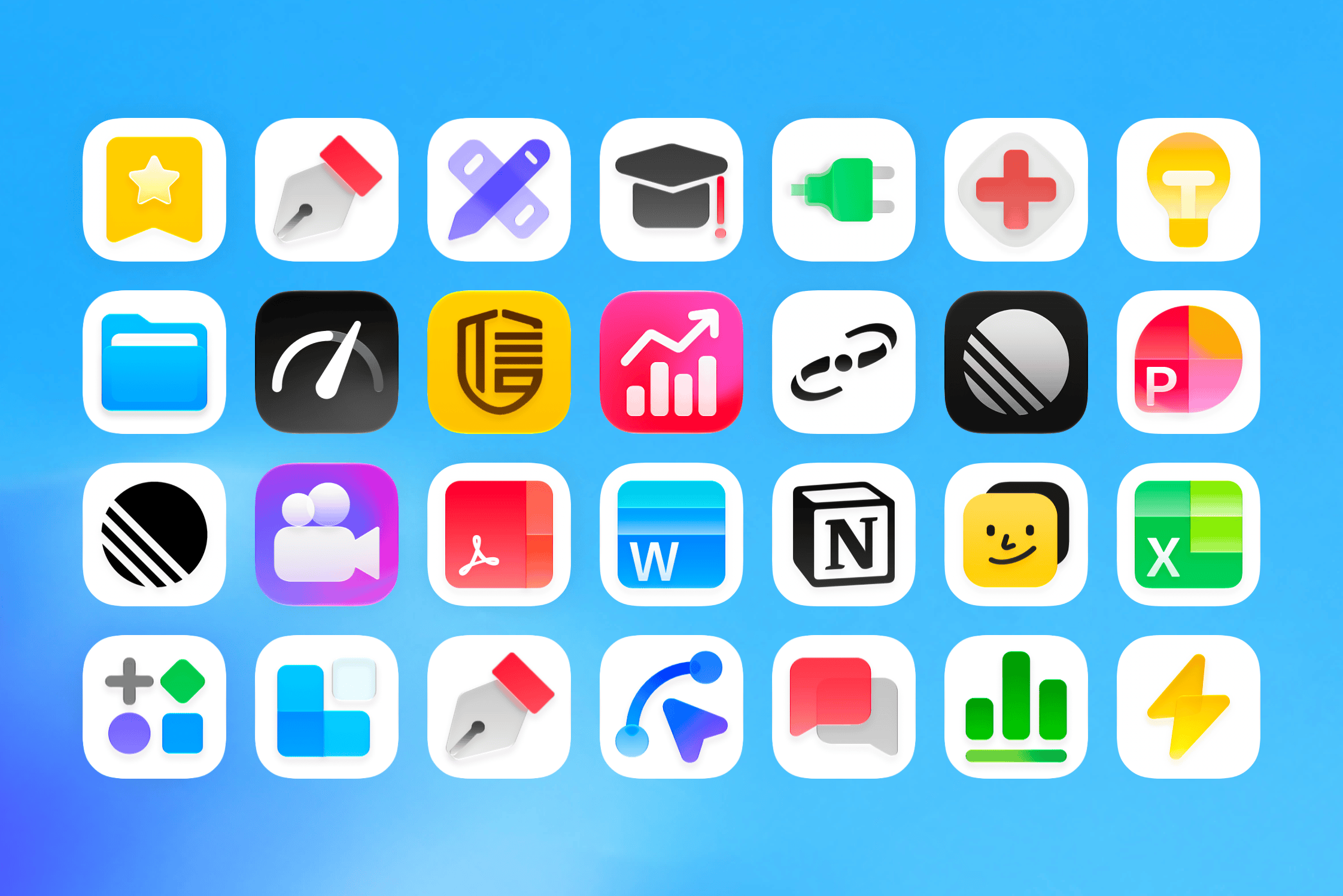
From coding to office work, Const Harness connects to your local files, tools, and browser to help you execute, organize, verify, and turn ideas into deliverable results.
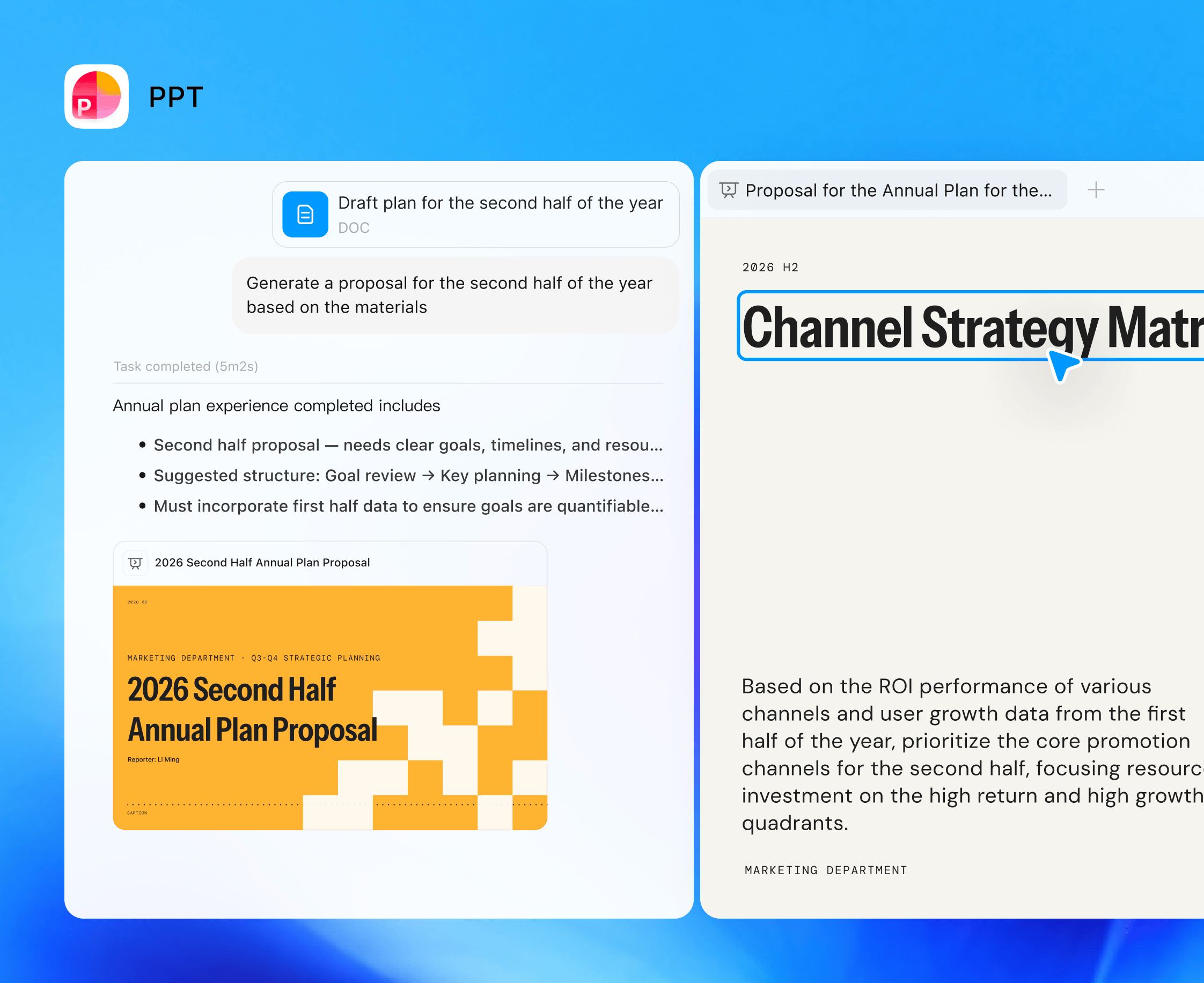
Give the agent the tools and workflows your work needs. Install plugins and reusable skills, connect MCP services, and use them directly from the conversation.
Work beyond the browser. Native computer-use helpers let the agent inspect and interact with desktop apps on Windows, macOS, and Linux.
Research, navigate, and test in a real browser inside the workbench. Inspect page structure, capture screenshots, and check your site while you build.
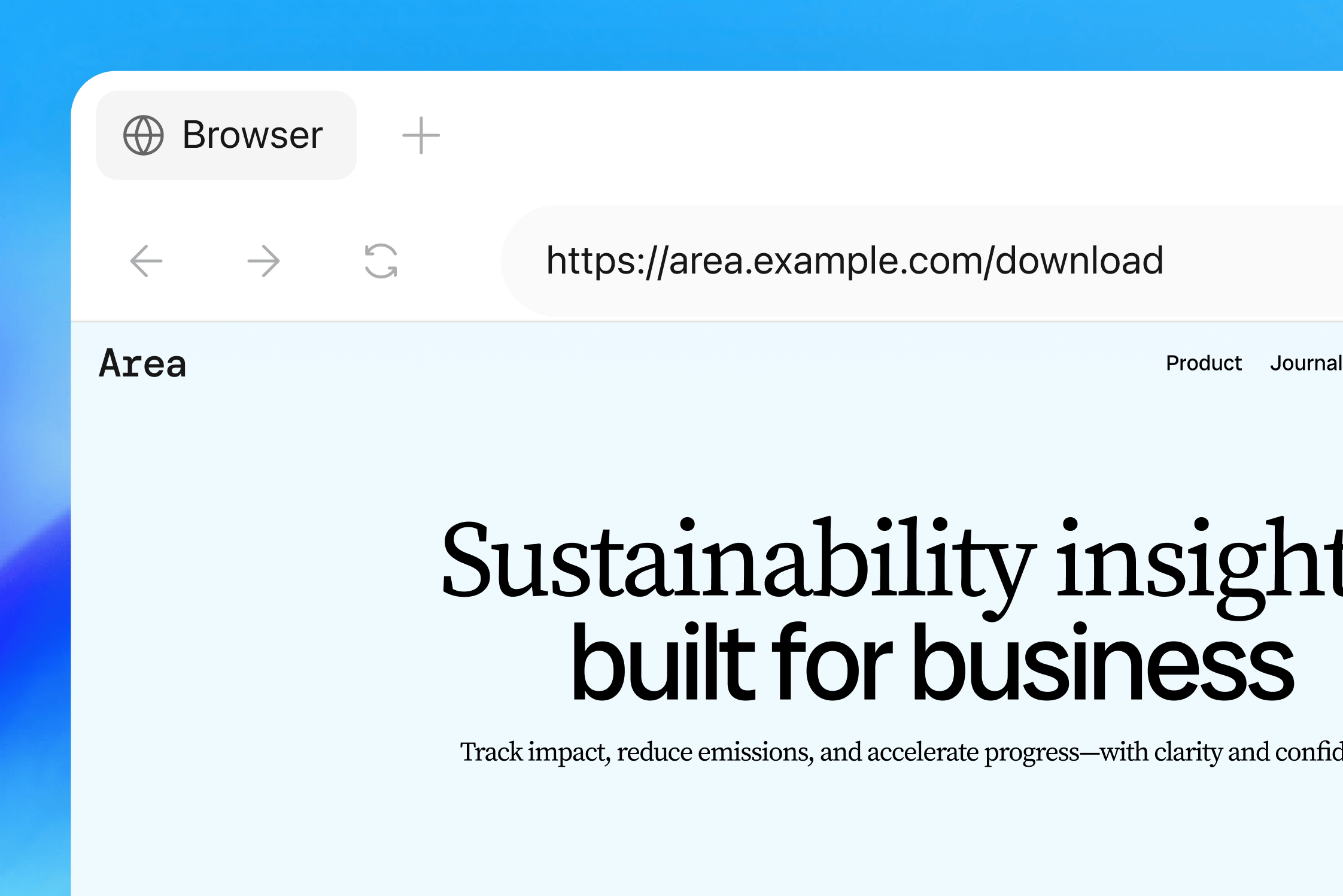
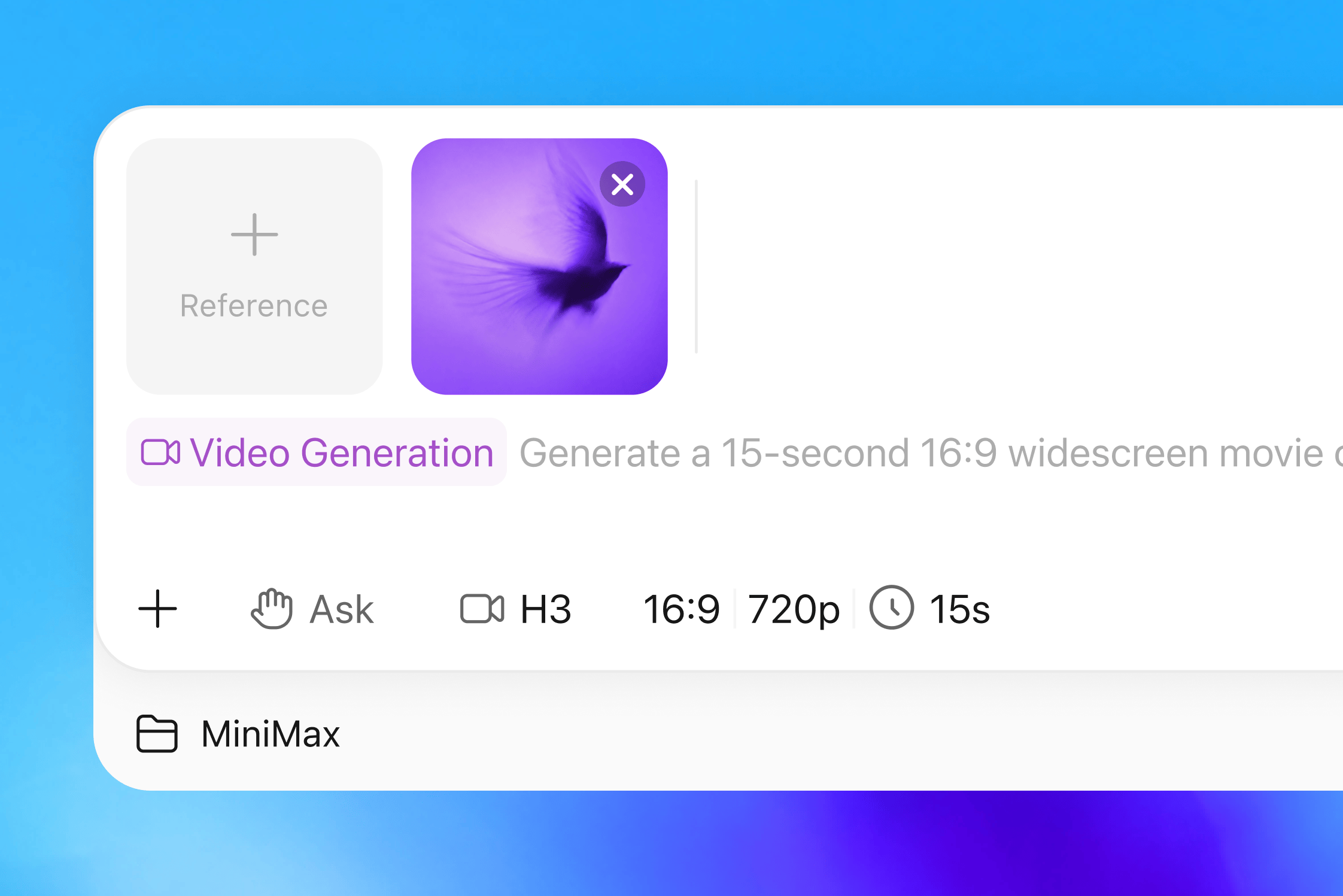
Combine creative skills with your configured image, video, and speech providers. Build presentations and motion projects, then keep the outputs with the rest of your work.
Run commands, builds, and long jobs without leaving the workbench. Follow background tasks and subagents, inspect their output, and stop them when needed.
pnpm --filter @const/harness-desktop dev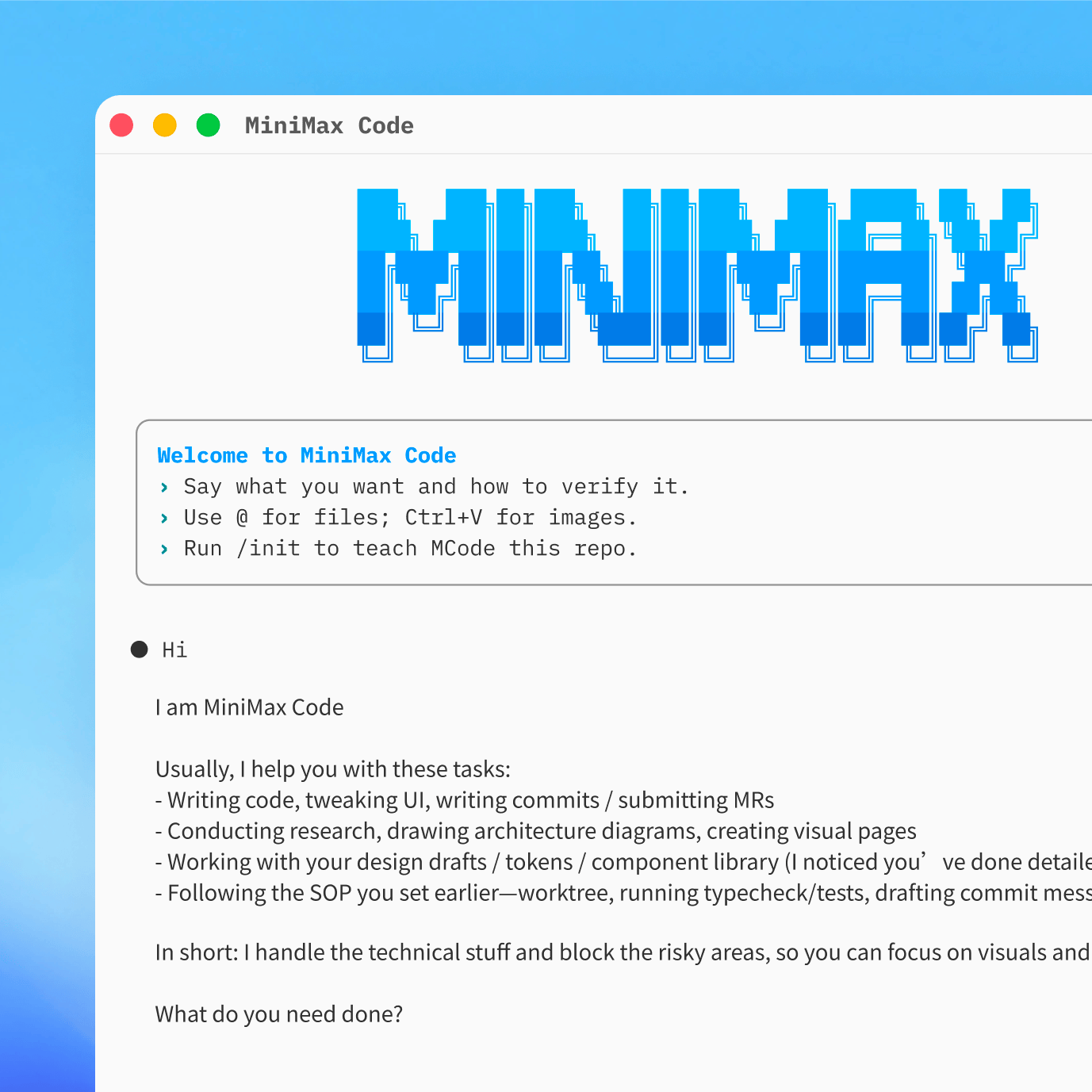
A native workbench for Windows, macOS, and Linux, with the chat, terminal, browser, diff, and review panes in one window.
Download$ pnpm check-types
> tsc --noEmit
✓ 0 errors
$ pnpm build
✓ Build completed
$ ▋Use the built-in terminal alongside your project, conversation, and review pane. Keep your existing scripts and development tools in the same workflow.
Explore the terminalSet recurring research, reports, and project checks. Runs execute on your computer while the app is running, with results saved to a conversation.
How scheduling worksThis compares two ways of working, not individual vendors. Chat products with agent tools can also provide execution and integrations.
One workbench. Choose how you connect your models.
Start here
Install the app, sign in with Const Accounts, and open your project.
Get the desktop appYour API key
Connect a supported provider and choose the models for your work.
Explore model setupOne gateway
Access the models available through your Const Router account.
Open Const RouterModel availability, quotas, and provider charges depend on your configuration and account.
The modern agentic workbench for developers. Ready for your workflow.
Install a desktop build or build from source, sign in through Const Accounts, and choose a project folder. Configure Const Router or a supported model provider, then describe the task and choose its permission mode.
No. The workbench also supports research, data analysis, documents, presentations, and creative workflows through skills and plugins. Image, video, and speech workflows require the corresponding configured provider or tool.
A skill is a reusable set of instructions for a type of work. A plugin packages capabilities such as skills and service connections. MCP connections give the agent access to tools exposed by a configured server.
You choose the permission mode. Review mode requests approval for actions; ask-before-changes allows file edits inside the workspace while asking for shell execution and writes outside it; full access is more permissive. Conversation history is stored locally, but prompts and relevant context are sent to the configured model provider. Connected tools can also send data to their services.
Yes. Set instructions, a workspace, a model, permissions, and a recurring schedule. Runs are recorded in task history and results are saved to a conversation. Execution is local: keep the desktop app running and your computer awake.
The desktop project includes packaging for Windows, macOS, and Linux; available binaries depend on the published release. Configure Const Router or supported OpenAI- and Anthropic-compatible providers. The standalone CLI in this repository is still a scaffold; use the desktop's built-in terminal for execution.